


SRMJEEE Login 2026: Application Form, Admit Card, Result, Counselling
SRMJEEE Login 2026 - SRMIST has activated the SRM student portal on the official website, srmist.edu.in. The SRMJEEE 2026 login link is provided along with the registration. To appear in the exam, candidates must have completed the SRMJEEE 2026 registration to generate their credentials. The authority will conclude the SRMJEEE 2026 phase 1 registration by April 16, 2026. Candidates must have either cleared or are appearing for Class 12th exams before beginning the application process. Candidates must keep their SRM login 2026 details safe until the completion of the admission process. The SRMJEEE login credentials are required for all key activities, including form filling, downloading the admit card, attempting the SRMJEEE 2026 RPOM, checking results, participating in counselling, and more. Aspirants of SRMIST are advised to read the full article for complete details about the SRMJEEE 2026 login process.
This Story also Contains
- What is SRMJEEE Login?
- How To Create SRMJEEE Login
- SRMJEEE 2026 Login

What is SRMJEEE Login?
SRMJEEE login 2026 refers to the online access portal provided by SRM Institute of Science and Technology for candidates appearing for the SRM Joint Engineering Entrance Exam. Candidates can generate the SRMJEEE login 2026 from the official website. Each applicant will be generated a unique SRMJEEE login ID soon after completing the registration process. Candidates have to access the SRMJEEE login portal for several events of SRMJEEE 2026, such as:
Filling SRMJEEE 2026 Application Form
Uploading scanned documents
Making payments
Checking application status
Downloading admit card
Attempting the online test
Checking result and counselling retails
Confused About College Admissions?
Get expert advice on college selection, admission chances, and career path in a personalized counselling session.
How To Create SRMJEEE Login
To create the SRMJEEE login for 2026, candidates have to provide their name, email address and mobile number. The steps to generate the SRMJEEE login credentials are as follows:
Step 1: Visit the SRM admission portal, i.e.srmist.edu.in.
Step 2: Click on the SRMJEEE new registration link.
Step 3: Select the "click here to register" link
Step 4: Register SRMJEEE Login using an active email ID and phone number.
Step 5: Confirm the email ID and phone number and click submit.
SRMJEEE 2026 Login
To create the login for SRMJEEE 2026, candidates require their email id, name and phone number. Candidates can check the step-by-step process to create the SRMJEEE login 2026 here.
Visit the SRM admission portal on the official website.
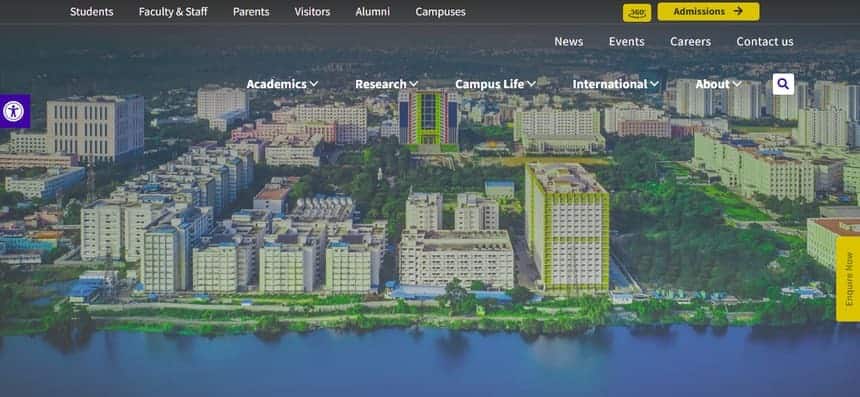
Click on the admission link.
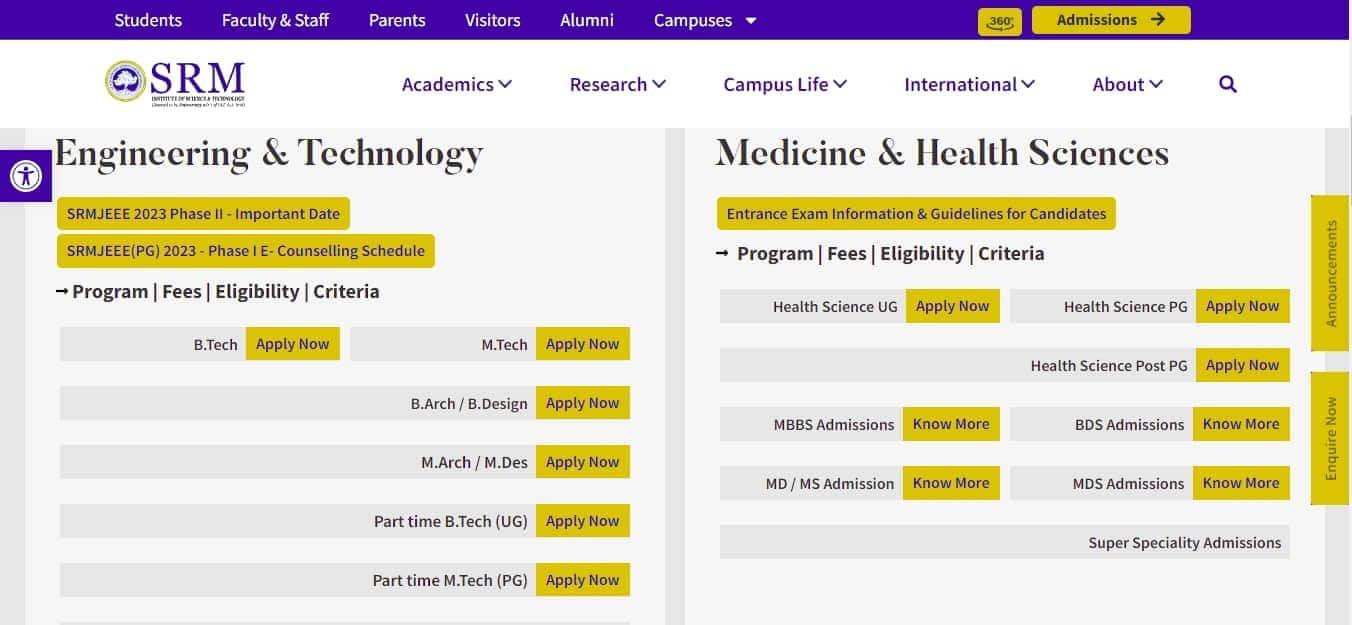
Click on the course you wish to apply for.
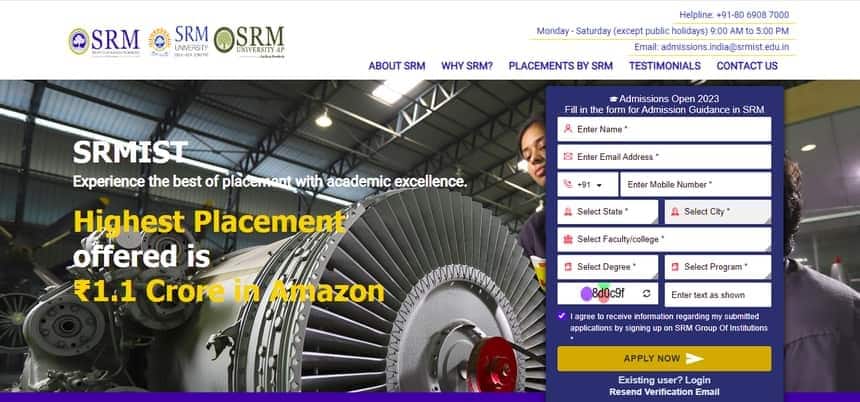
Enter your details
Confirm your details by clicking on “Apply Now”.
The candidate’s login credentials will be sent to the registered email ID of the candidate.
SRMJEEE Login 2026 - How to Recover Password
At times, candidates forget their passwords and are unable to log into their accounts. To help candidates with this issue, the authorities provide candidates with the facility to reset their passwords. Students can follow the given steps to recover their passwords.
SRMJEEE 2026 login to recover the lost password:
Candidates can follow the steps mentioned below to retrieve their lost password.
Visit the official website.
Click on “Forgot Password”
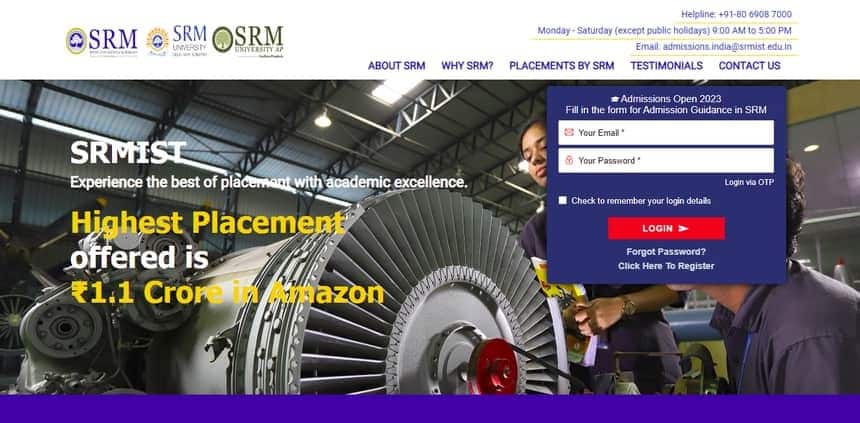
Enter your registered email address

Click on the “Submit” button
New password will be sent to the registered email address
SRMJEEE Registration Login
Candidates can fill out the application form for SRMJEEE 2026 through the SRMJEEE login portal. The registration process comprises the following steps:
Online SRMJEEE registration 2026
Email verification
Filling the SRMJEEE 2026 application form
Application fee payment
Form Submission
SRMJEEE Admit Card Login
SRMIST will release the SRMJEEE admit card 2026 for multiple phases on different dates on the official website. Candidates who complete the SRMJEEE 2026 slot booking can download the SRMJEEE admit card using their login credentials. The steps to download the SRMJEEE 2026 admit card are as follows:
Visit the SRMJEEE login portal.
Log in using your application number and date of birth.
Click on the “Download Admit Card” link.
The SRMJEEE hall ticket 2026 will be displayed on the screen.
Download the admit card and take a printout.
The SRMJEEE 2026 admit card consists of details like name, roll number, examination date and timings, etc.
SRMJEEE Remote-Proctored Online Mode
Candidates also require the SRMJEEE login 2026 to attempt the exam as it will be conducted in remote-proctored online mode. The date and time of the SRMJEEE 2026 exam can be selected during the SRMJEEE slot booking process. The steps to access the SRMJEEE 2026 exam are given below
Click on the SRMJEEE 2026 exam link sent to the registered email id of the candidates.
Download and install the SRMJEEE 2026 safe exam browser from the link
Once the safe browser is successfully installed, log in using the application number and date of birth.
Once logged in, candidates should take a picture of themselves and their government ID using the in-browser camera by clicking on the "take snapshot" option.
Candidates should then select their question paper according to their choice
The photo should then be confirmed by the candidates
The candidates can now start their SRMJEEE 2026 exam.
SRMJEEE Login 2026 to check the result
The SRMJEEE result 2026 will be announced for each phase on the SRMJEEE login portal. To check the SRMJEEE 2026 results, candidates have to use their login credentials. Candidates can follow the given steps to check the SRMJEEE 2026 result:
Go to the official website of SRM University.
Click on the SRMJEEE 2026 Result link
Enter your login details
Click on the “Submit” button
The SRM University exam 2026 result will be displayed
Click on the download button and take a printout of the SRMJEEE result 2026.
SRM Counselling Login
Login to the Application Portal & Click on the SRM Admission Portal
Rank Card Download
Choice Filling
Program Allocation
Allocation Acceptance (only for allocated candidates)
Proceed with the payment of Counselling Fees(only for allocated candidates)
Download the PAL (only for allocated candidates)
Payment of Balance Tuition Fee & online enrolment (only for allocated candidates)
Frequently Asked Questions (FAQs)
To check the result of SRMJEEE candidates need to visit the login window of SRM University.
To download the SRMJEEE admit card candidates have to use their login credentials.
The SRMJEEE 2026 phase 3 dates are from July 4 to 5, 2026.
The SRMJEEE 2026 login credentials are the application number and date of birth.
To recover the lost password for the SRMJEEE login 2026 candidates need to visit the official website, click on the login window and click on forget password link.
To create the login for SRMJEEE 2026 candidates need to visit the official website.
Popular Courses and Specializations
Browse Engineering Colleges by State
Questions related to SRMJEEE
On Question asked by student community
With an SRMJEEE rank of 4,390 , you have a very good chance of getting Biomedical Engineering with Machine Learning at the SRM Institute of Science and Technology (KTR/Main Campus) .
Based on recent counselling trends:
- Your rank is well within the range that has historically been competitive for Biomedical
Hello Dear Student,
With an SRMJEEE Phase 2 rank of 12,962, securing CSE with specialization in Cyber Security at the SRM Kattankulathur (KTR) main campus is borderline and highly competitive.
You can check, find and access more information here:
Hello Dear Student,
At rank 133xx, your chances of securing a Computer Science and Engineering (CSE) seat (core or popular specializations like AI/ML or Data Science) at the main Kattankulathur (KTR) campus are slim. Historically, Kattankulathur campus cutoffs for CSE and top specializations close between 6,000 and 11,000 ranks.
You
Hello Student,
Congratulations on securing 10,000 rank in SRMJEEE. that's a good achievement. With a rank around 10000 you may have chance of getting CSC with specialisation such as AI/Ml, although the exact branch allotment will depend on seat availability and the counselling phase. I would definitely recommend checking all
Hey there,
With an SRMJEEE 2026 Phase 2 rank of 2,240, you have a good chance of getting B.Tech CSE with Specialization in AI & ML at the SRM Kattankulathur (Main) Campus. Based on recent cutoff trends, ranks below 2,500 have a strong chance for CSE-related branches at the main